
The Best Chrome Extensions & Web Tools for Designers and Creators
Boost your productivity with 5 powerful extensions. EpicWebTool gives you free access to screen recording, design tools, and audio enhancement — all in one place
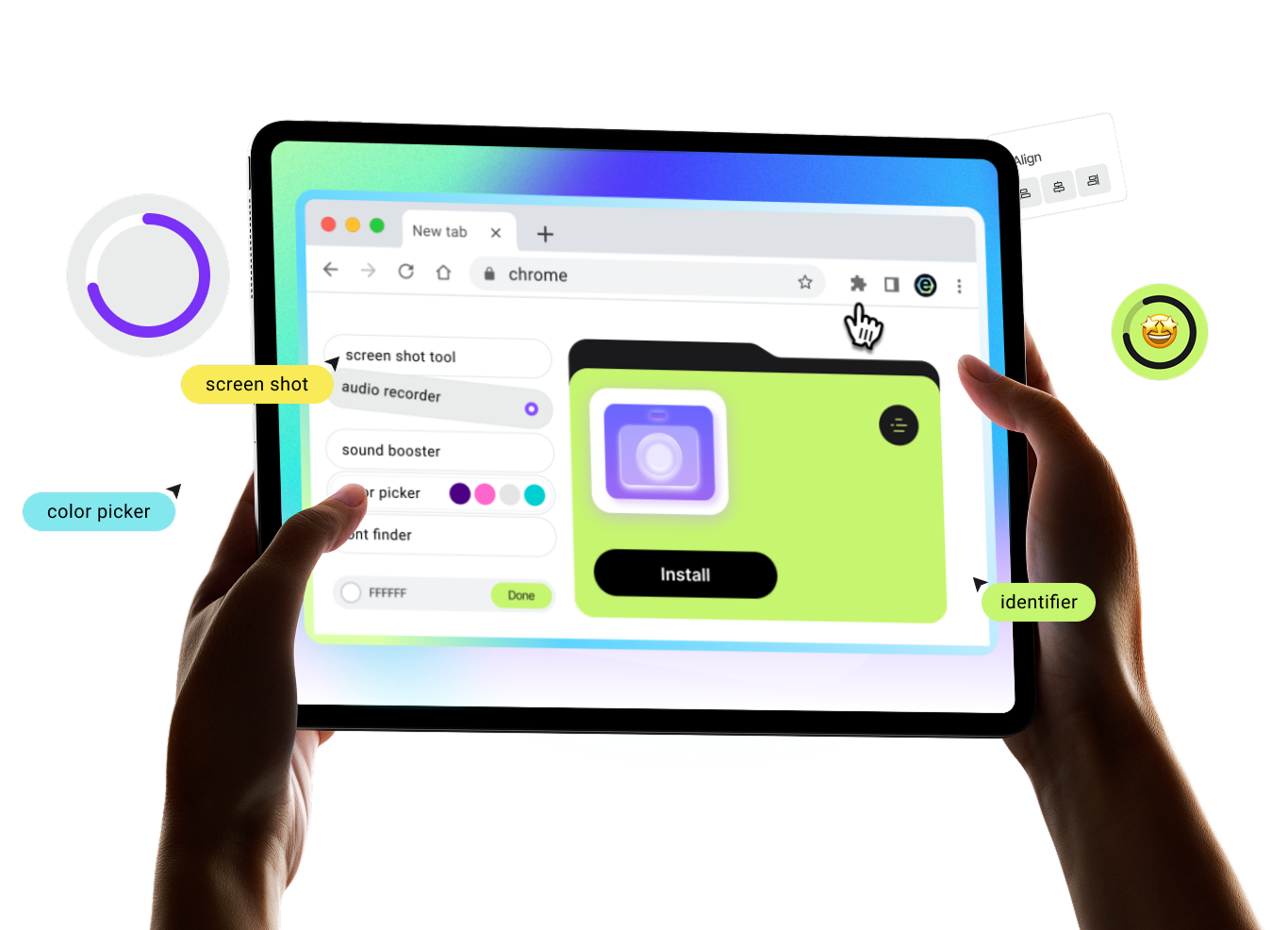
Trusted Tools for Your Everyday Browser Workflow
Screenshots, screen and audio recording, color and font picking, and sound enhancement — all utilities are expert-tested and designed to help you complete tasks without complex setups or extra software


Stop paying for basic features
Free access to all features, no watermarks, and full privacy — the perfect alternative to Loom, ColorZilla, and other tools
Simplicity & Speed
Ready to use instantly: choose the tool you need and start working in just a few clicks


10,000+ Active Users
Reliable Performance

No Limits
No payments for basic features, no watermarks, and unlimited tool usage

Privacy First
Your data stays yours — no tracking, no data collection, and no selling to third parties

Resources & Insights
Work faster and smarter. Discover step-by-step guides, expert comparisons, and proven methods to maximize your browser’s efficiency

The Myth of Fewer Clicks: Why Saving Steps Isn’t Always Better
Think fewer clicks automatically mean higher productivity? Discover why "step-saving" browser tools often add hidden friction and how to choose better workflows.

Chrome Extension Weekly: Security, MV3, and AI Tools
Stay updated with the latest Chrome extension trends. Lars Erik Rydberg discusses Manifest V3 updates, Otio’s research library, and new security boundaries.

The Myth of “More Chrome Extensions = More Productivity”
Think more Chrome extensions equal more output? Discover why extension sprawl actually slows down your browser and increases your daily cognitive load.
Got Questions? We’ve Got Answers
Yes. You can use all core features for free — no hidden fees or trial periods.
Installation takes just seconds. Simply add the extension from the browser store — no registration or setup required.
Yes. You can easily disable or completely remove the extension in your browser settings at any time.
Yes. We follow a privacy-first approach — no recordings, videos, or personal data are sent to third-party servers without your consent.
The tool works directly in your browser and is compatible with Windows, macOS, and Chromebook — no additional software required.

You’re Just 3 Clicks Away from Better Productivity
Our step-by-step guide makes it easy to launch and use trusted tools for maximum efficiency
Step 1
Add to Chrome
Choose the tool you want and click "Install." It's free
Step 2
Pin the Icon
Click on the "Puzzle" icon in your browser and pin the icon for quick access
Step 3
Boost Workflow
Activate the extension with one click when you need it
Unlimited Browser Productivity
Whether you're recording a Google Meet call, picking colors from Dribbble, or boosting volume on Netflix — our tools are optimized for the web's most popular sites.


